Xiaomi Home Control: Aircond Setup Guide
App control is the main reason buyers choose Xiaomi. This guide shows how to connect your unit and which features genuinely earn their place.
Published on 11 March 20262 min read
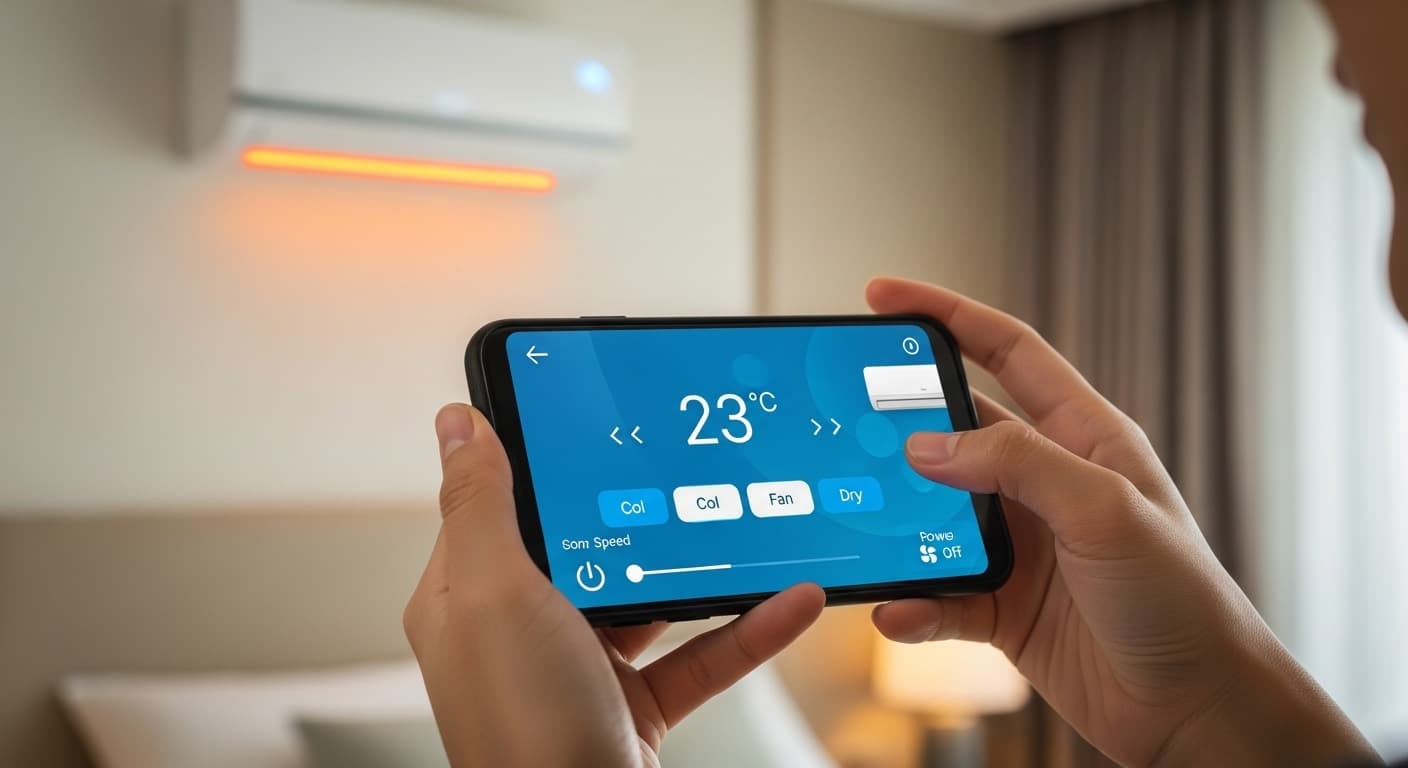
Connecting the unit to the app
Our technicians complete this during installation, but it is worth knowing the steps in case you need to reconnect after changing routers.
- Download the Xiaomi Home app and sign in to your Mi account
- Make sure the phone is on a 2.4GHz WiFi network, not 5GHz
- Tap add device, then pick the air conditioner from the list
- Hold the mode button on the remote until the unit beeps
- Enter the WiFi password and wait for confirmation
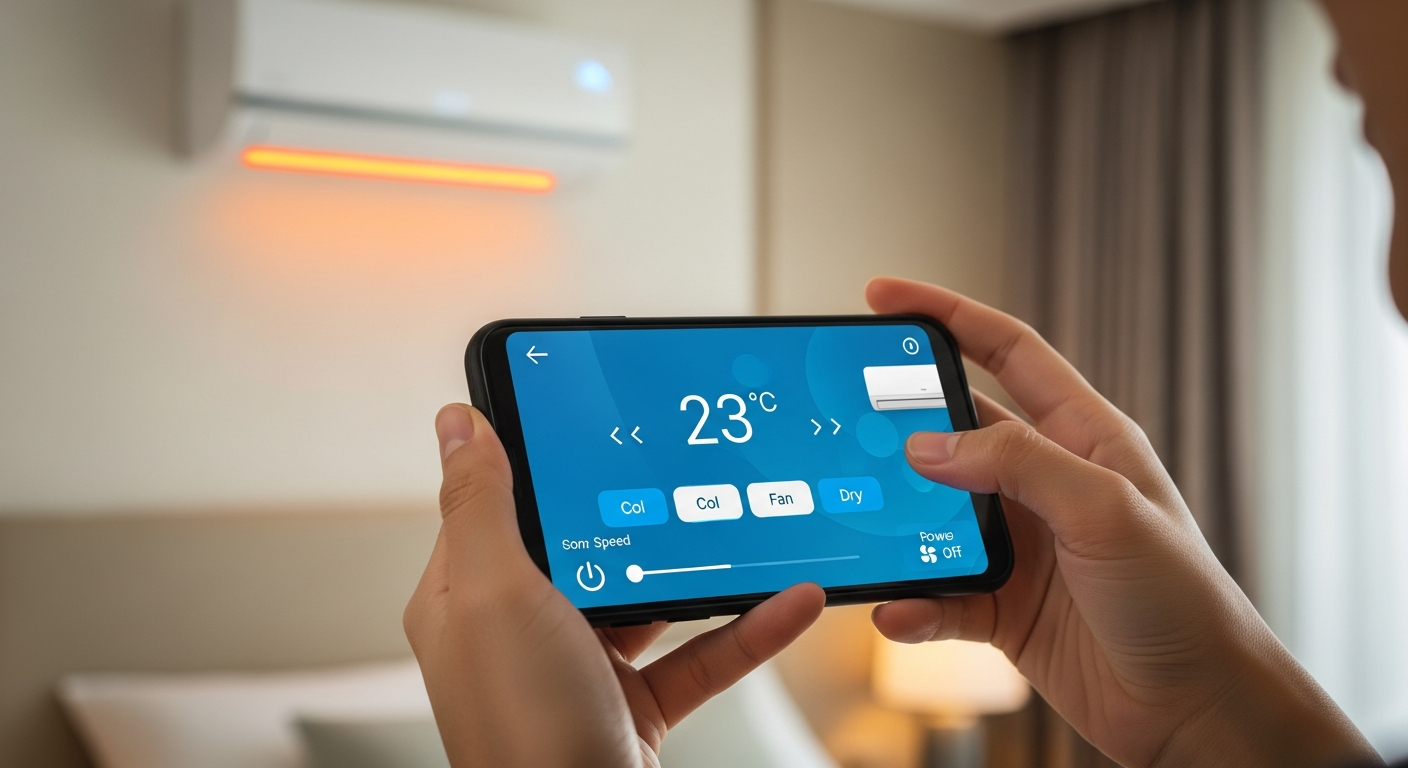
The features that actually earn their place
Most owners use only a handful of features consistently, and these three deliver the clearest day-to-day value.
- Scheduling — cool the room before you get home from work
- Sleep curve — raise the temperature gradually across the night
- Usage monitoring — see which unit contributes most to the bill
Scheduling alone usually produces the largest saving, because it stops the unit running all night at a temperature nobody needs.
Fixing connection problems
Nearly every pairing failure traces back to the router’s frequency band. Xiaomi air conditioners connect only to 2.4GHz networks, so a combined network advertising both bands under one name can confuse the setup process.
If the unit never appears
Temporarily split the 2.4GHz and 5GHz networks in your router settings, pair the unit, then merge them again if you prefer. The connection stays stable afterwards.
If the unit drops after a router change
Delete the device from the app and repeat the pairing steps above with the new WiFi details.
Linking to other Xiaomi devices
The app’s real advantage appears when the aircond is not the only Xiaomi device in the house. You can set automations that switch on cooling when a temperature sensor passes a chosen threshold.
We cover the full ecosystem setup in linking your aircond to the Xiaomi ecosystem.
Conclusion
Pairing takes only minutes, and our technicians complete it before leaving your home. See which models support it in our catalogue, or check installation coverage in Cyberjaya and Puchong.